In this tutorial, you will learn how to use NotebookLM to prepare for an important client presentation by collecting background material, structuring insights, generating slide content and creating a personalised rehearsal video.
Step-by-step:
Create your workspace
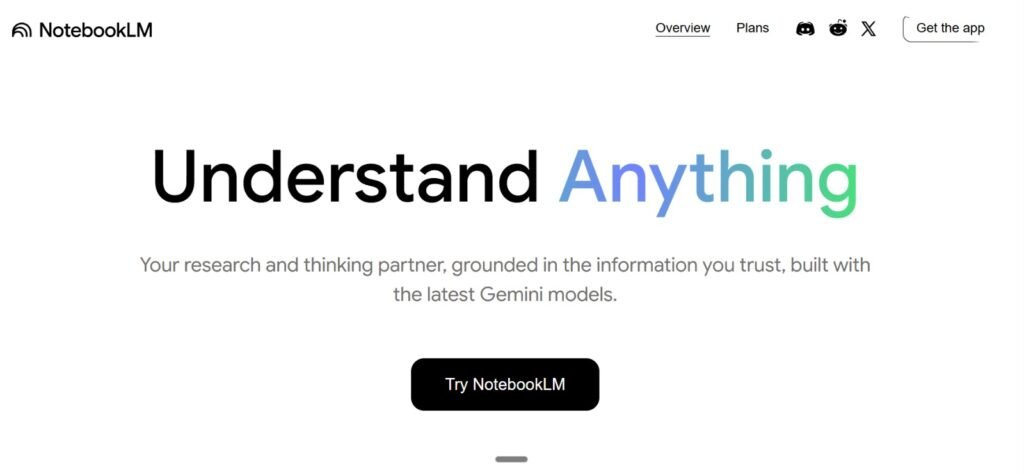
Go to NotebookLM, click “New Notebook” and name it “Client Presentation: Retail AI Strategy Pitch”.
Then click “Discover Sources” and enter:
“Find sources to help me prepare an AI strategy presentation for a national retail client.”Set your assistant role
Style/Voice: “Act as a senior AI consultant who challenges assumptions and sharpens the message.”
Goal: “Help me prepare a compelling AI strategy presentation that is clear, relevant and evidence-based.”Generate structured insights
Ask:
“Summarise the top three AI opportunities for mid-sized retailers in 2026 and the business value of each.”
Save the response as a note.
Click the three dots → Convert to Source so these insights become reference material for slides and talking points.Create slides or talking points
Ask:
“Using all my sources, draft a 10-slide outline for the presentation with key messages, examples and suggested visuals.”
Save the outline, refine it, and continue iterating inside the notebook.Generate a practice video
Click the pencil icon on “Video Overview”.
Add a focus, such as:
“How to confidently present an AI roadmap to executive leaders in the retail sector.”
Hit Generate to create a personalised rehearsal video tailored to your content.Use the video for rehearsal
Watch the video a few times to practise timing, emphasis and flow. It helps you refine your delivery, handle questions and strengthen your narrative before the real meeting.